Hosted on ResearchOS · Fictional example
Try a sample paper website
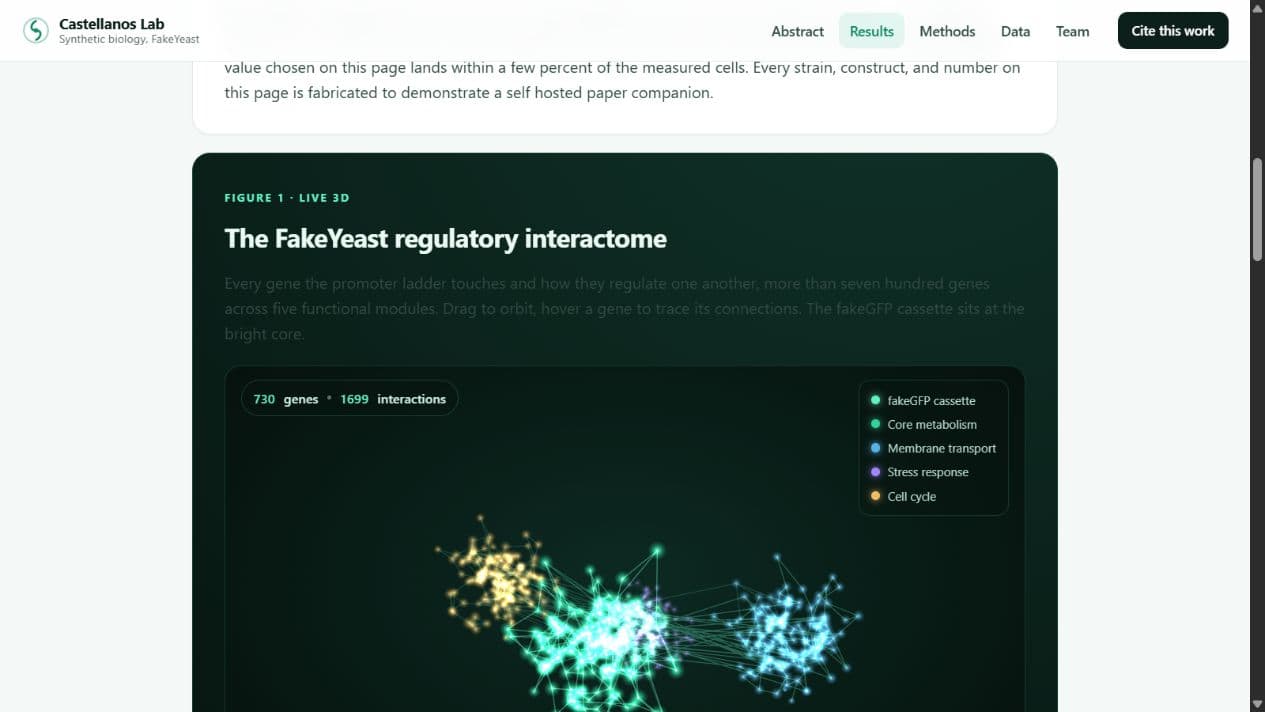
Rotate the gene network, adjust promoter strength, or look through the strain table.
The lab, people, and data in this example are fictional.
Open example websitePublish interactive websites for your papers, or send experiments and data directly to another ResearchOS account.
Public · Anyone with the link
Upload your HTML website or build a page here. Share the link with your paper so readers can use its figures and data.
Hosting tools are included with Lab accounts. See beta access and pricing.
Host a paper websiteSign in to manage your labPrivate · Selected recipients
Share with a collaborator in your lab or at another institution.
Choose the recipient and files in the desktop app. They receive an encrypted copy to add to their notebook. Only the items you select are sent.
Sending requires Premium access. Free accounts can receive. See beta access and pricing.Published pages and HTML websites from labs on ResearchOS.
No listed lab websites have been published yet.
Example website
Hosted on ResearchOS · Fictional example
Rotate the gene network, adjust promoter strength, or look through the strain table.
The lab, people, and data in this example are fictional.
Open example websiteOnly people who choose to be listed appear in search.